[Study] 개발 공부/[React] 리액트 공부
React에서 특정 영역만 인쇄하기(react-to-print)
지공A
2025. 10. 31. 20:57
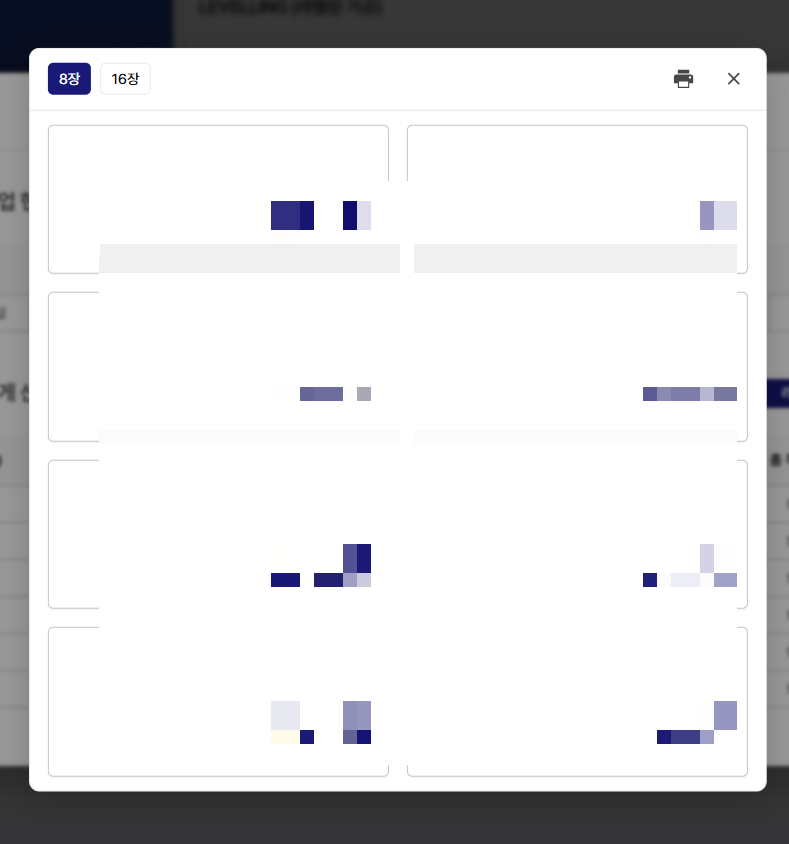
회사 프로젝트 진행 중 모달 내 라벨지를 인쇄하는 기능을 구현해야 했었다.
일반적인 window.print()는 현재 화면 전체를 인쇄하기 때문에, 모달 같은 불필요한 UI가 그대로 출력된다.
현재 화면이 아닌 모달 내부 내용만 인쇄하기 위해 react-to-print를 찾아 사용했다
https://www.npmjs.com/package/react-to-print
npm install react-to-print
1. 출력용 시트 컴포넌트
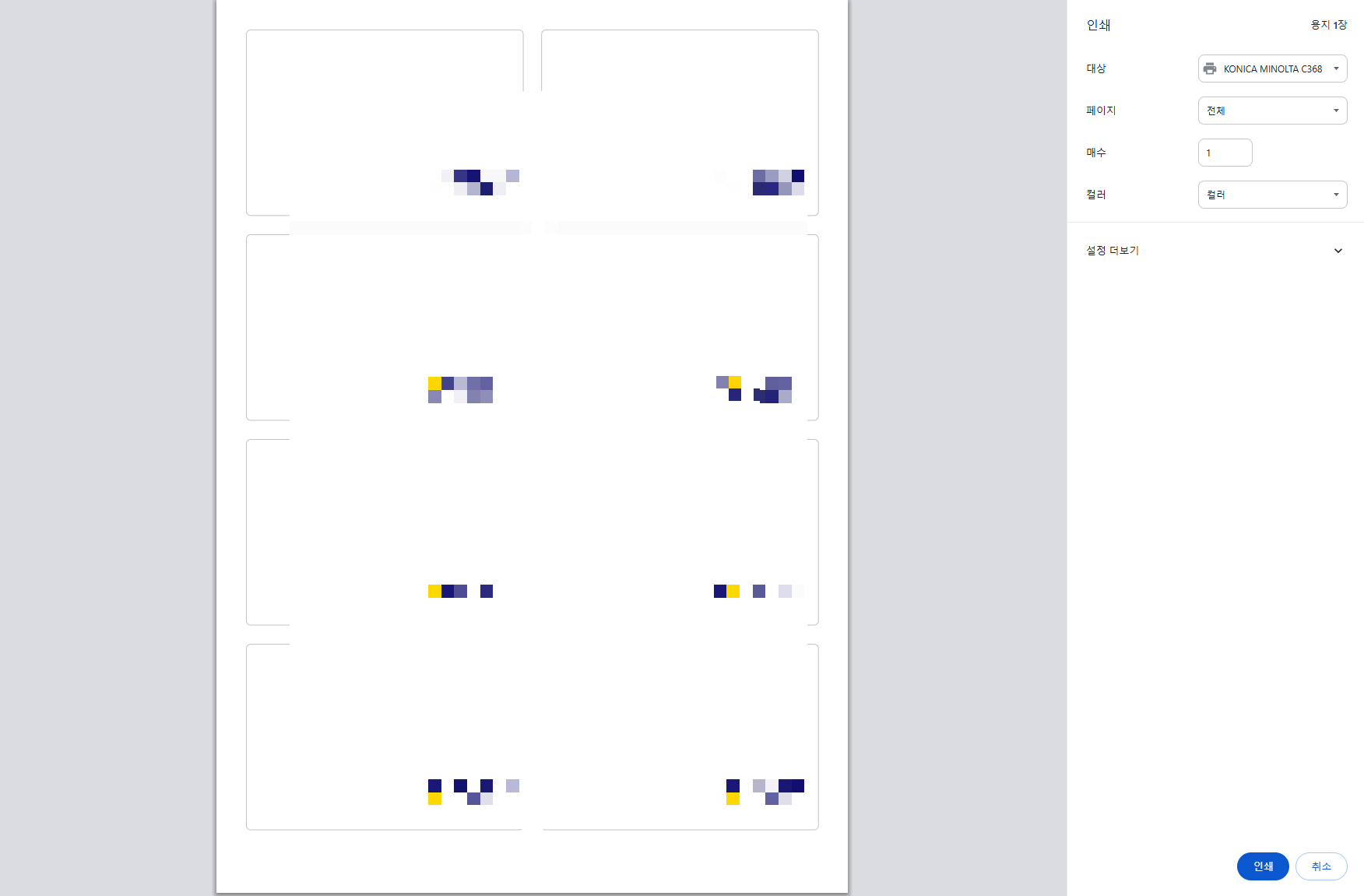
- A4 기준으로 mm 단위를 사용하면 인쇄 위치가 정확하게 일치한다. 사진은 컴포넌트 내 라벨지 크기를 조정하지 않은 상태고, 인쇄 미리보기 창에 보이는게 실제 출력 사이즈이다
// LabelPrintSheet.tsx
import Logo from "@/assets/logo.png";

export const LabelPrintSheet = ({ mode }: { mode: 8 | 16 }) => {
  const items = Array.from({ length: mode });
  const cols = mode === 8 ? "grid-cols-2" : "grid-cols-4";
  const gap = mode === 8 ? "gap-[6mm]" : "gap-[4mm]";
  const cardH = mode === 8 ? "h-[62mm]" : "h-[40mm]";

  return (
    <div className="w-[210mm] min-h-[297mm] p-[10mm] bg-white">
      <div className={`grid ${cols} ${gap}`}>
        {items.map((_, i) => (
          <div
            key={i}
            className={`border rounded-md flex items-center justify-center ${cardH}`}
          >
            <img src={Logo} className="w-[30mm]" />
          </div>
        ))}
      </div>
    </div>
  );
};
2. 인쇄 버튼 및 훅 연결
// LabelPrintExample.tsx
import { useRef } from "react";
import { useReactToPrint } from "react-to-print";
import { LabelPrintSheet } from "./LabelPrintSheet";

export default function LabelPrintExample() {
  const printRef = useRef<HTMLDivElement>(null);

  const handlePrint = useReactToPrint({
    // 출력 대상 지정
    contentRef: printRef,
    documentTitle: "라벨 인쇄",
    // 페이지 규격
    pageStyle: `
      @page { size: A4; margin: 0; }
      @media print {
        body { -webkit-print-color-adjust: exact; print-color-adjust: exact; }
      }
    `,
  });

  return (
    <div className="p-6 space-y-4">
      <button
        onClick={handlePrint}
        className="px-4 py-2 bg-blue-500 text-white rounded-md"
      >
        인쇄
      </button>

      {/* 실제 출력 대상 — 화면에는 숨김 */}
      <div style={{ display: "none" }}>
        <div ref={printRef}>
          <LabelPrintSheet mode={8} />
        </div>
      </div>
    </div>
  );
}